1. Main screen
This is the starting point before adding the first log. The FREE plugin is a standalone WordPress.org tool for adding and inspecting selected local logs.
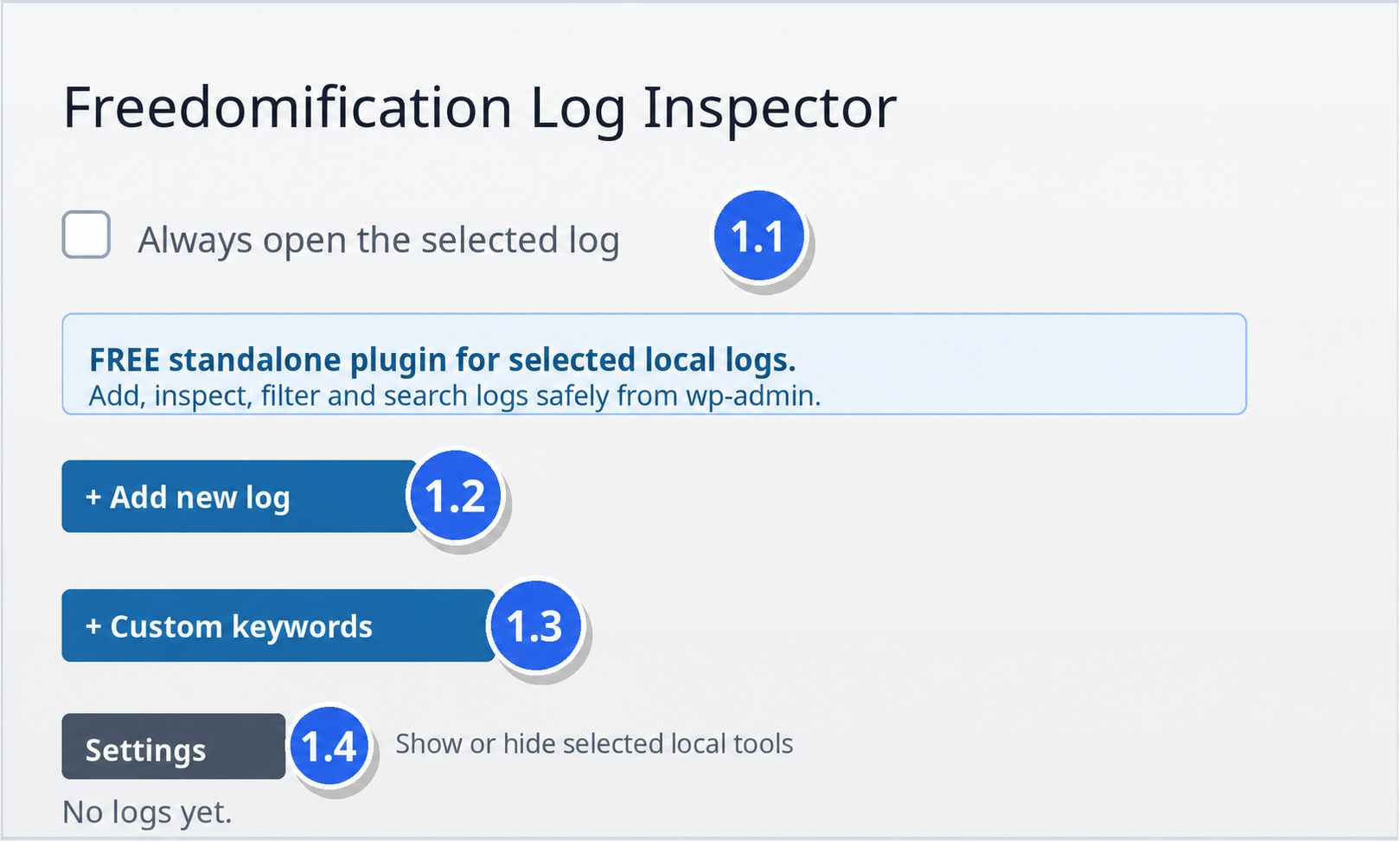
1.1 Always open the selected log
English
What it does — When enabled, Freedomification Log Inspector automatically returns you to the last log you were working on after refresh and when reopening the plugin page.
Enabled: refresh/reopen → last selected log is focused/opened.
Disabled: refresh/reopen → start from the main overview.
Polski
Co robi — Po włączeniu Freedomification Log Inspector wraca do ostatnio używanego loga po odświeżeniu i po ponownym wejściu na stronę pluginu.
Włączone: odświeżenie/ponowne wejście → otwiera ostatni log.
Wyłączone: startujesz z widoku głównego.
1.2 Add new log
Opens the Add new log panel to register a new log file. You can add a single file manually or use the safe scanner workflow described in the next section.
1.3 Custom keywords
Opens the keywords editor for highlighting custom words or phrases inside log lines.
1.4 FREE settings / local tools
FREE settings let you keep the interface focused by showing or hiding selected local tools. These are normal FREE options in the standalone WordPress.org plugin.